Adding theme icons to admin
Icons can be made available to admin users for adding to sections via the 'icon' tab of the image modal.
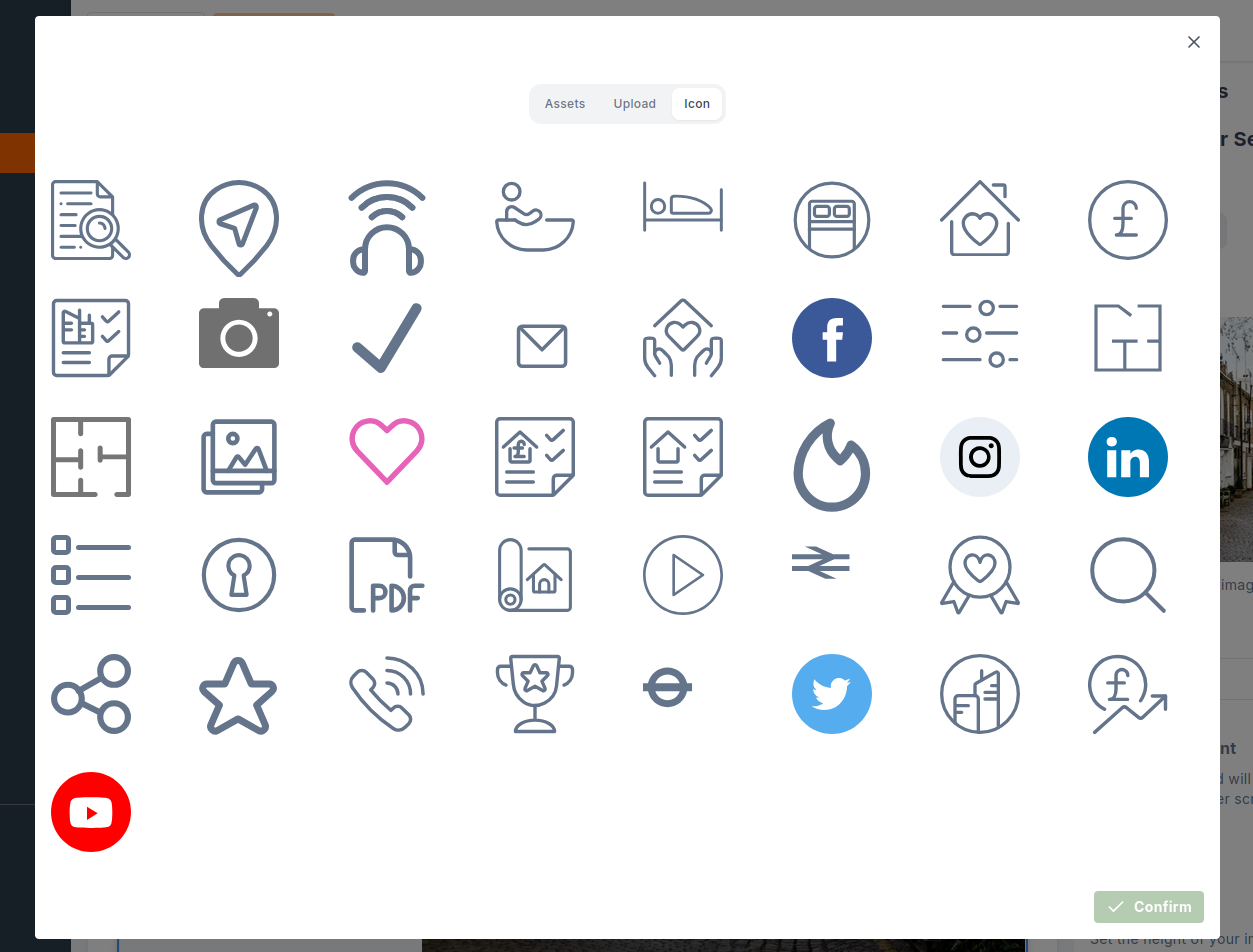
Some preparation of each SVG is required to make them available this way.
Admin will look for a file named icons.ts in the root of the theme directory (e.g. [domain]/icons.ts). This file should
contain an array of objects representing each icon with alt and svg string properties.
// icons.ts
const icons: { svg: string; alt: string }[] = [
{
alt: 'Bathroom',
svg: '<svg xmlns="http://www.w3.org/2000/svg" viewBox="0 0 24 22"><g fill="none" fill-rule="evenodd" stroke="currentColor" stroke-linecap="round" stroke-linejoin="round" transform="translate(0 1)"><circle cx="5" cy="2.5" r="2.5"/><path d="M15.5 11h7.479a.5.5 0 0 1 .506.522A9 9 0 0 1 14.5 20h-5a9 9 0 0 1-8.985-8.478.5.5 0 0 1 .506-.522H6"/><path d="M3.5 11V8.5a1.5 1.5 0 0 1 2.332-1.248L8.609 9.1c.518.341 1.193.33 1.7-.027l1.114-.8a1.5 1.5 0 1 1 1.744 2.442l-1.115.8a4.528 4.528 0 0 1-5.111.082L6 11"/></g></svg>',
},
{
alt: 'Bedroom',
svg: '<svg xmlns="http://www.w3.org/2000/svg" viewBox="0 0 27 18"><g fill="none" fill-rule="evenodd" stroke="currentColor" stroke-linecap="round" stroke-linejoin="round" transform="translate(0 1)"><path d="M.563 16V0M.563 12.533h25.875"/><ellipse cx="5.063" cy="7.911" rx="2.25" ry="2.311"/><path d="M22.125 10.222a.936.936 0 0 0 .855-.568.983.983 0 0 0-.154-1.033c-2.314-2.674-6.963-4.326-12.353-4.166a.951.951 0 0 0-.91.962v4.227c0 .32.251.578.562.578h12ZM26.438 16V2.311"/></g></svg>',
},
];
export default icons;
The svg value should be a one-line, optimised SVG as a string. You can use a tool like svgo to minify an SVG.
This website provides a useful UI for svgo: https://jakearchibald.github.io/svgomg/
Open the sidebar and click 'Paste markup', then paste the content of the SVG:
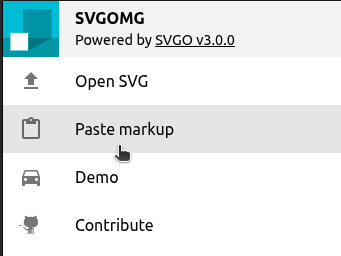
You can then copy the value into the svg string property in the object in the icons array in icons.ts.
Ensure the 'Prefer viewBox to width/height' setting is enabled so icons scale properly, and replace fills or stroke with currentColor if the icon color should be configurable (in most cases - excluding some social icons that use branded colors).